Check what the affected service says you need to do. Keep appointments unless its current instructions say otherwise, and expect changes where records or booking systems are unavailable.[2] If you have been scammed, contact your bank immediately and report it to Gardaí.[11]
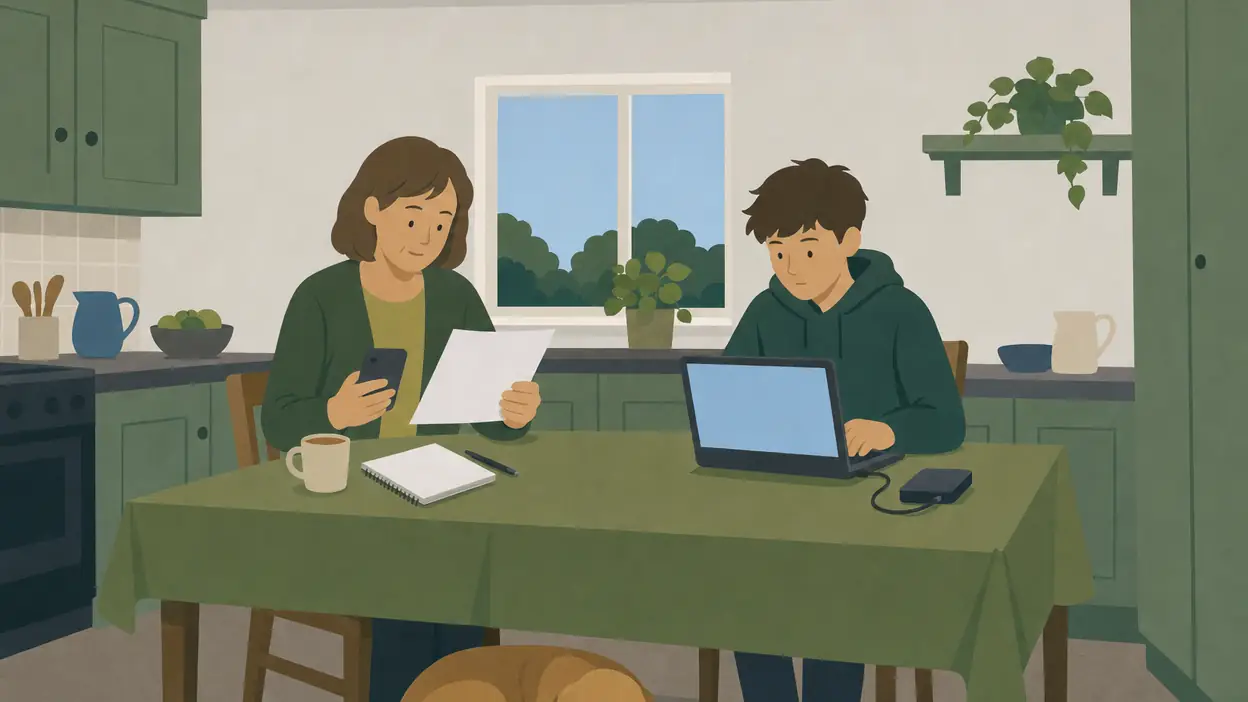
The scene this guide is for
Your hospital appointment is tomorrow. The news reports a cyber attack, and a text arrives asking you to confirm your details through a link. Meanwhile, a family member cannot open their banking app.
Deal with each problem separately: check the appointment, verify the message independently, and ask the bank about its service. For the history of the HSE’s 2021 attack, read When national systems fail.[1]
When a service you rely on is hit
Check the organisation’s own website or app, reached independently. For healthcare, use HSE and your hospital or clinic’s current notices. If unsure, ring a number from an existing letter, statement or bank card. Do not use contact details supplied by a suspicious message.[2][4][5]
Use this household checklist to establish what still works. These are questions to ask, not predictions that every attack stops every service.
| Service | What to check and keep handy |
|---|---|
| Hospital or clinic | Is your appointment affected? Keep the appointment letter, patient reference and medicine list available.[2] |
| Council or utility | Ask through its established contact route which services remain available and how to deal with an urgent query. Have your reference or bill handy.[5] |
| Bank or retailer | Check payment arrangements directly. If card details may be exposed, contact the bank using the number on your card.[4] |
Keep appointments unless told otherwise, including through an official notice covering your clinic or procedure. Do not wait for a personal call if the service has published a cancellation. Tallaght’s dated attack notice illustrates why: some scheduled care continued while radiology appointments were cancelled. Use today’s instructions for today’s appointment.[2]
Keep essential documents and contacts on paper. The Irish preparedness checklist includes emergency contacts, medical information, cash and cards.[3] See Phones and internet down for communications fallbacks and Cash and payments for a modest reserve and payment alternatives.
Watch for scams using the attack as a story
FraudSMART warns that criminals can exploit news of an attack with fake calls, texts and emails claiming to be a bank or another service provider. Knowing your name, address or part of your card number does not prove a caller is genuine.[4]
- Check through a number you already have. Hang up and ring the organisation using your genuine statement, appointment letter or bank card. Avoid the number supplied in the message. If the call came to your landline, use another phone, or wait until you hear a dial tone before dialling: a caller can keep the line open.[4][8][11][14]
ComReg warns that displayed phone numbers can be faked. A familiar-looking number is not proof either.[5]
If your data may have been taken
Ask the organisation whether you are affected and exactly which information was involved. Follow its verified advice, change affected passwords and change them anywhere you reused them. Watch account activity and contact your bank about exposed financial details or unfamiliar transactions.[8]
Under the GDPR, an organisation must inform affected people without undue delay where a breach is likely to create a high risk to their rights and freedoms. The DPC describes exceptions, including effective encryption or measures removing that high risk; where individual contact involves disproportionate effort, equally effective public communication is required.[7]
The notice must explain the breach in clear language, give a contact for further information, describe likely consequences and explain measures taken or proposed to address it.[7]
How we worked this out
The DPC distinguishes reporting to the regulator from informing affected people. The often-quoted 72 hours concerns the organisation’s notification to the DPC, where required and feasible. It is not a promise that every customer receives a letter within three days. A service outage alone does not establish that personal data was stolen.[7]
Four jobs for your own accounts and devices
Start with email and banking, then work through the other accounts you would struggle to lose. The DPC highlights email because access to it can put other accounts at risk.[8]
- Install updates. Keep phone, computer and app software current, using official sources.[9]
- Use a different strong password for each important account. NCSC’s plain-English guide explains passwords, passphrases and password managers.[6]
- Turn on two-step verification. Look for two-factor authentication or MFA in account security settings. It adds another check when you sign in. Never share its codes.[6]
- Keep an offline backup of photos and documents. Copy important files to separate storage, disconnect it afterwards and store it securely. Try recovering a file so you know the copy works. This applies NCSC’s separate-backup guidance to a household.[10]
Cloud storage alone is not the same as a recoverable backup. Business readers should use the small-business backup section for records needed to resume trading.[10]
If you have been scammed or hacked
- Report the crime to your local Garda station. This is the reporting route published by the Garda National Cyber Crime Bureau.[9]
- If you installed software or gave a caller remote access, disconnect that device from the internet and switch it off, then call your bank at once from another phone. Recover accounts from a different, trusted device and get trusted help before using the affected one again.[13]
Household plan: three things this week
- Recover one photo or document from a backup. Keep the offline copy disconnected and agree where the household can find it.[10]
Booklet material used: emergency contacts, documents, medical information, cash and cards, rewritten from the Irish preparedness checklist.[3]
Sources (14), all checked 2026-10-29
Irish sources throughout. FraudSMART is the Banking and Payments Federation Ireland’s fraud-awareness initiative.
- HSE, cyber-attack and response. Checked 2026-10-29.
- Tallaght University Hospital, service update, 16 May 2021. Checked 2026-10-29.
- Office of Emergency Planning, Your checklist. Checked 2026-10-29.
- FraudSMART, advice following the Fota cyberattack. Checked 2026-10-29.
- ComReg, scam calls and texts. Checked 2026-10-29.
- NCSC Ireland, How to keep your online accounts secure. Checked 2026-10-29.
- DPC, quick guide to GDPR breach notifications. Checked 2026-10-29.
- DPC, when your personal data has been affected by a breach. Checked 2026-10-29.
- Garda National Cyber Crime Bureau, risks and prevention tips. Checked 2026-10-29.
- NCSC Ireland SMECORE, backing up information. Checked 2026-10-29.
- CCPC, protecting yourself from scams. Checked 2026-10-29.
- HSE, scams or attempted fraud. Checked 2026-10-29.
- FraudSMART, remote access scam warning, August 2025. Checked 2026-10-29.
- FraudSMART, phone scams. Checked 2026-10-29.
prepared.ie is independent public information, published by Gallan Software. It is not affiliated with the Government of Ireland or any agency.